A while ago, I think 2021-2022, I started my self-hosting journey. I got a passable CPU, a mobo with enough I/O, got myself a couple of HDDs and I was off to the races!
One of the goals was to have a place to create a backup of my laptop and important files. At the time I was running MacOS on a Asus UX430, Time Machine and an external hard drive might have done the trick, but I felt it was a bit clunky system, I needed MacOS to get to my files and it was (from my point of view) not configurable enough.
After a good amount of watching YouTube videos, Reddit and random Googleing I got a sense about proper backup strategies, all of that 3-2-1-backup jazz and the best practices for encryption, I got to Restic.
However, one of the main problems that I encounter was to take the backup from my laptop and store it in multiple places with restic. I know, it could have been as simple as getting a bash script and adding all of the commands there, but still, configuring each restic repo took me a while, after all I wanted to create a backup of my music and documents folder to a local SFTP repo on my server and a S3 bucket.
That means 4 different commands to tailor and maintain (I thought that I might want to have separate policies for each folder and destination)
This is were my restic repo comes into play.
The logic is simple. With a single YAML config file you specify everything about the restic command and you can add as many locations as you need. Sample config here.
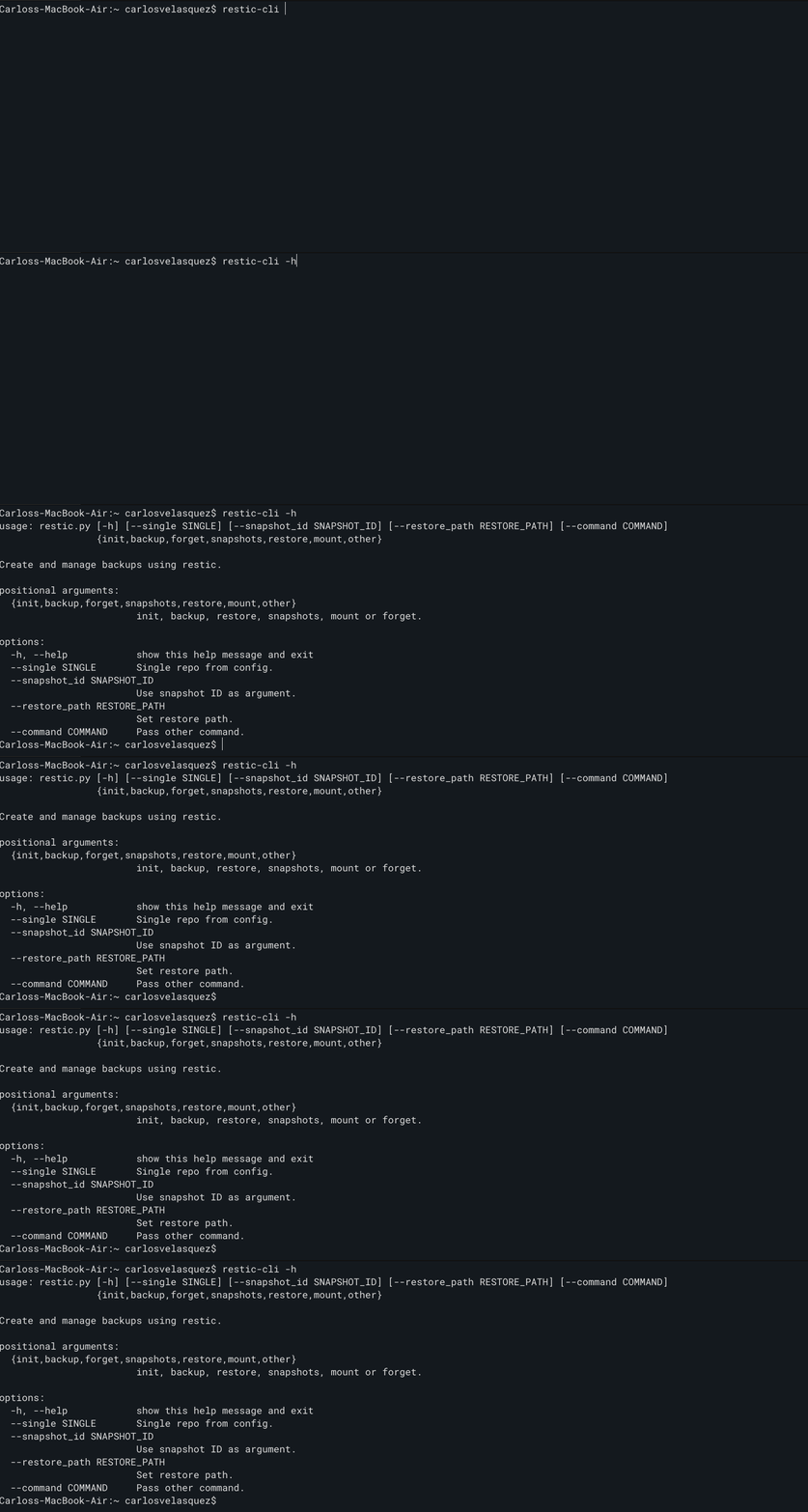
Makes it easy enough to fire all snapshots, forget, restore, choose a mount or pass an unlock command to my repos.
And now the ‘orchestrator’ part…this came much later and started as a small issue. Happens that before my laptop was both for work and personal, nowadays I have two. I used to trigger the snapshots using the good old cron.
Before, I would set up a backup at, let’s say, 9AM on Wednesday and 3PM on Saturdays, there was a big chance that I’d be working at that time, so, I’d get my snapshot. Now, that meant that if my personal laptop was not on at that time I could spend the whole month without a backup. That’s not ideal, right?
Instead, I set up a small uvicorn server that will listen to when a device is “registered”, if it is a new device it will ask the device to take a snapshot using restic, or if it is a device it knows it will check when was the last backup and decide what needs to be done. A client runs on all of my computers, it will check periodically with the server. After a month and a half I’ve had no issues, and I get a nice status page of the last known backup:

Maybe there’s a better way, I am not in any way an experienced developer but these projects are actually fun.
Leave a Reply