Category: Technology

  • The scammy text

    A few days ago my wife received this text:

    La entrega se ha suspendido porque su pedido no tiene numero de casa. Revise y complete los datos de su domicilio lo antes posible. https:..//ln[dot]run/b5PUN

    If you’re not fluent in Spanish, don’t worry, it is a text saying that there was an attempt to deliver a package but the address is incomplete and offers a URL to input your information.

    That links redirected to: https:…//seurede[dot]help/es

    Of course, it looks shady as hell but you have to admit that once you open it it does look genuine (if you ignore the obvious layout issues):

    At the start it asks for a phone number, no matter what you enter you have a package on route, very convenient. And after clicking a few buttons they would ask you to pay $0.99 to reprogram your delivery.

    From their URL I figured out their hosting, turingidc[dot]com which is also a very shady page. I’ve tried contacting them but the contact form is broken. This is why I tried a different approach.

    Honestly, I had been waiting for an opportunity like this one, the whole page felt vibed-coded so I knew that I would be able to send fake info, just for the fun. Inspecting the requests I saw this:

    A POST request to an endpoint that includes a token.

    The token was regenerated on each visit but it really never expired or made any checks from where the request was coming. There was also a few other POST requests to localhost:{randomPort}, yes, this definitely looked like amateur work.

    Since it was a Friday and I was doing nothing I wrote a few lines in Python and decided to feed their database a bit, 10K requests later with random jitter and what I thought was some believable numbers I gave up because even people with nothing to do like me get bored.

    The site is still online. Did I make a difference? Probably not. It was still fun.
  • WordPress and WebP

    I must say, I am a bit annoyed.

    It is almost 2026, the support for uploading WebP is in wp-core since 5.8 was released, that is July 2021 and a lot of important features were never included, such as image conversion and fallback for old browsers.

    I had been using WebP Express to fill this void and ran into this today: https://wpscan.com/vulnerability/23f7e550-80b9-4099-9915-9f4c96c5e89e/

    That’s a serious vulnerability to have for 15+ days. So…I just removed that package from my list and will go back to converting the files before uploading or…I don’t know.

    Lucklily I am using a pretty secure hosting :happy-emoji-just-imagine-the-emoji-OK?: and the checks after fixing the issue is easy.

    Rant over.

    (EDIT: Fixed in 0.25.14)

  • Restic orchestrator

    A while ago, I think 2021-2022, I started my self-hosting journey. I got a passable CPU, a mobo with enough I/O, got myself a couple of HDDs and I was off to the races!

    One of the goals was to have a place to create a backup of my laptop and important files. At the time I was running MacOS on a Asus UX430, Time Machine and an external hard drive might have done the trick, but I felt it was a bit clunky system, I needed MacOS to get to my files and it was (from my point of view) not configurable enough.

    After a good amount of watching YouTube videos, Reddit and random Googleing I got a sense about proper backup strategies, all of that 3-2-1-backup jazz and the best practices for encryption, I got to Restic.

    However, one of the main problems that I encounter was to take the backup from my laptop and store it in multiple places with restic. I know, it could have been as simple as getting a bash script and adding all of the commands there, but still, configuring each restic repo took me a while, after all I wanted to create a backup of my music and documents folder to a local SFTP repo on my server and a S3 bucket.

    That means 4 different commands to tailor and maintain (I thought that I might want to have separate policies for each folder and destination)

    This is were my restic repo comes into play.

    The logic is simple. With a single YAML config file you specify everything about the restic command and you can add as many locations as you need. Sample config here.

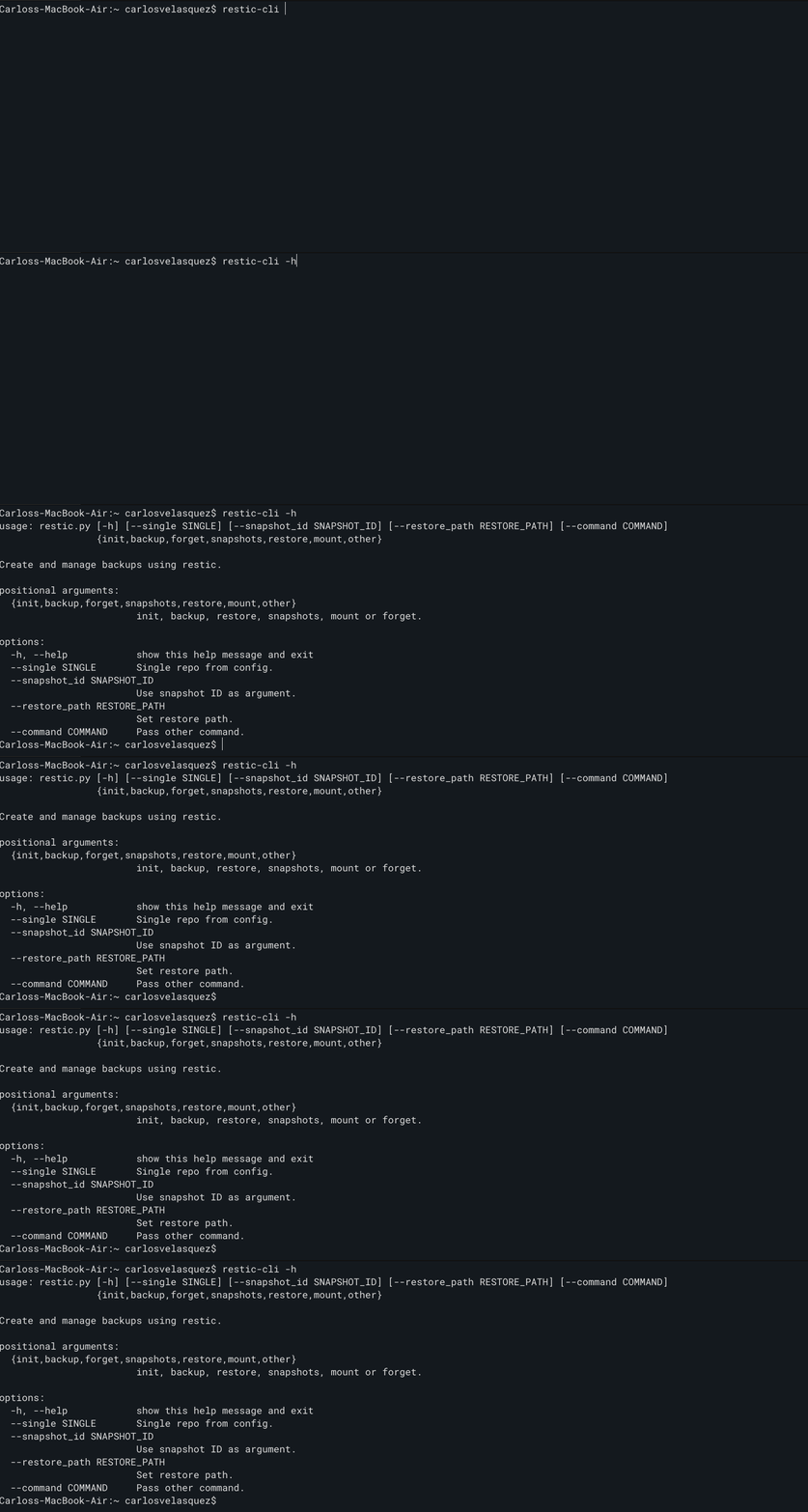
    restic-cli

    Makes it easy enough to fire all snapshots, forget, restore, choose a mount or pass an unlock command to my repos.

    And now the ‘orchestrator’ part…this came much later and started as a small issue. Happens that before my laptop was both for work and personal, nowadays I have two. I used to trigger the snapshots using the good old cron.

    Before, I would set up a backup at, let’s say, 9AM on Wednesday and 3PM on Saturdays, there was a big chance that I’d be working at that time, so, I’d get my snapshot. Now, that meant that if my personal laptop was not on at that time I could spend the whole month without a backup. That’s not ideal, right?

    Instead, I set up a small uvicorn server that will listen to when a device is “registered”, if it is a new device it will ask the device to take a snapshot using restic, or if it is a device it knows it will check when was the last backup and decide what needs to be done. A client runs on all of my computers, it will check periodically with the server. After a month and a half I’ve had no issues, and I get a nice status page of the last known backup:

    Maybe there’s a better way, I am not in any way an experienced developer but these projects are actually fun.

  • Hello world?

    Yeah, this is the standard first post. I’ve just changed it a bit.

    A while ago (In a galaxy far, far away [I mean a previous job]) I was tasked to create a training that would allow people to analyze a slow loading page. I added this little Easter egg on the code:

    $ curl -X POST -d '{"hello":"world"}' -H "Content-Type: application/json" https://node.newnotthatgooddomain.com/api|jq
    
    {
      "message": "it's a me, mario",
      "imageUrl": "https://node.newnotthatgooddomain.com/files/mario.jpg"
    }
    

    A cURL to one of my dummy sites APIs would return a picture of Mario that was then displayed. The trick was that this API was hard-coded to wait 5 seconds before returning the image.

    What this necessary? Hell no, but it was fun. I also got to try coding a bit in Node, although I did use ChatGPT a bit to have a working boilerplate and correct syntax here and there. Here’s the image:

    Now, why am I telling you this? I think I just wanted to waste your time. Sorry.